Sign Up Process
Step 1: Access the Registration Page
- Navigate to our official website at portal.comlada.com
- Click on the "Sign Up" below the Login Button
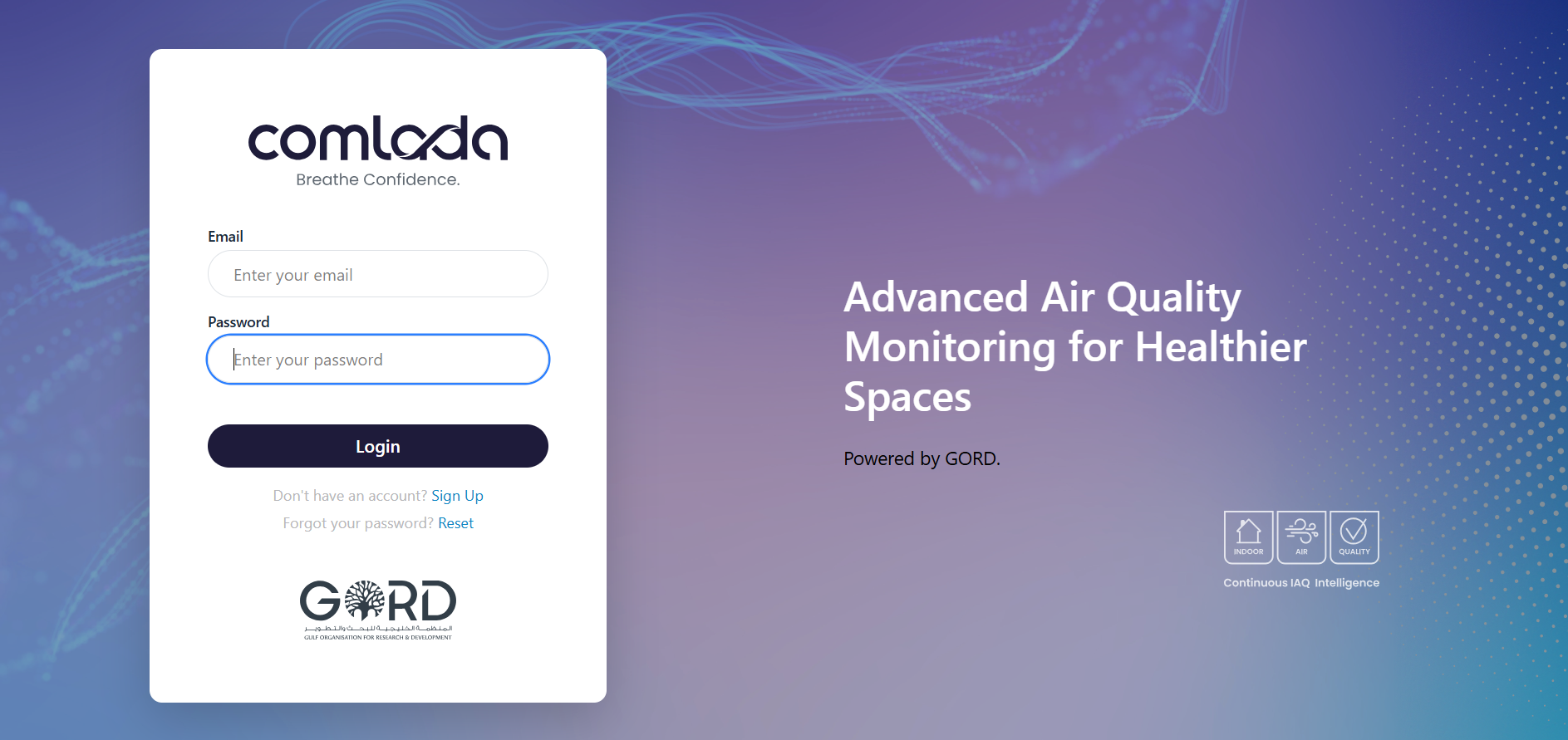
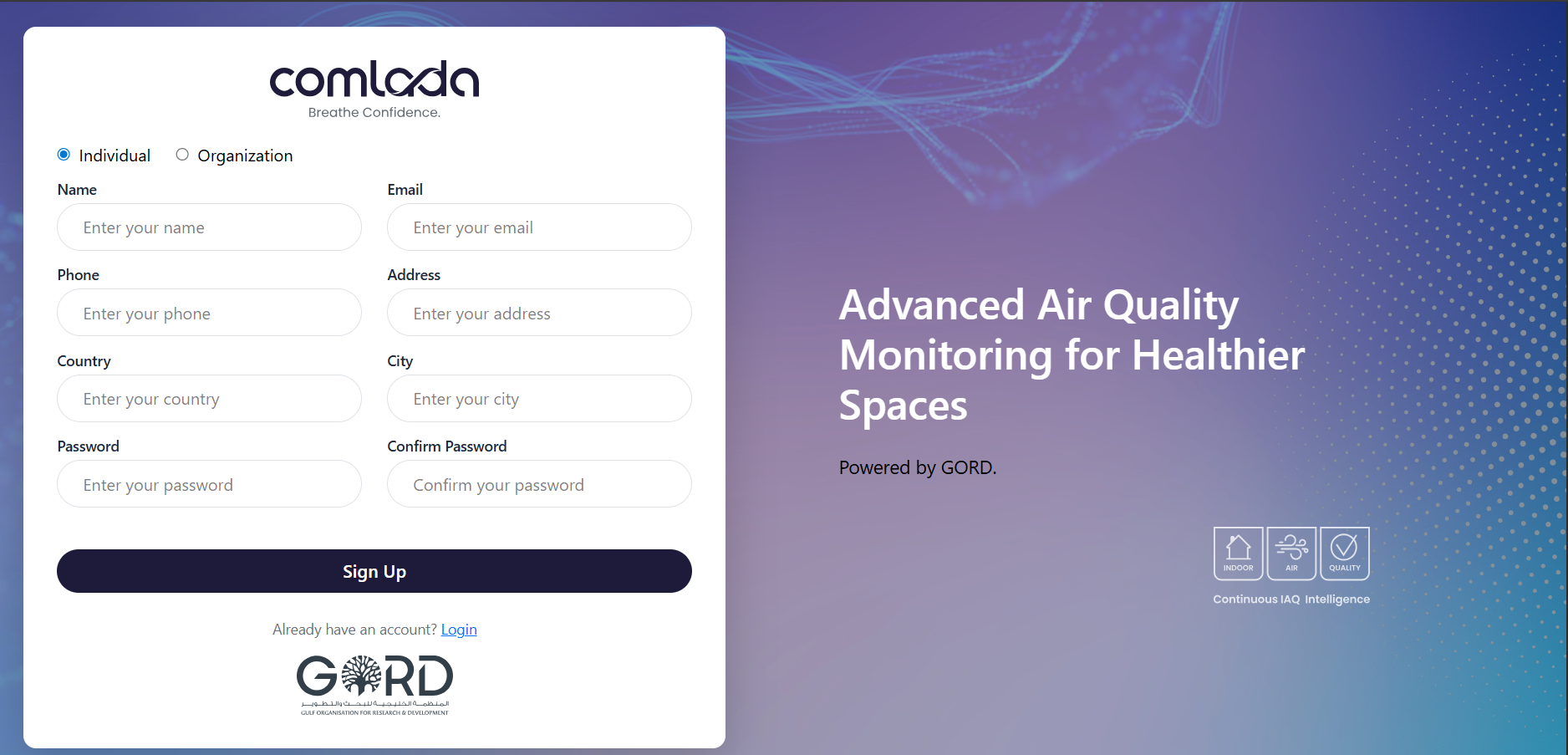
Step 2: Fill in Your Details
- Enter your full name
- Provide your professional email address, phone, address, country, city
- Create a secure password (minimum 8 characters with mixed case and numbers)
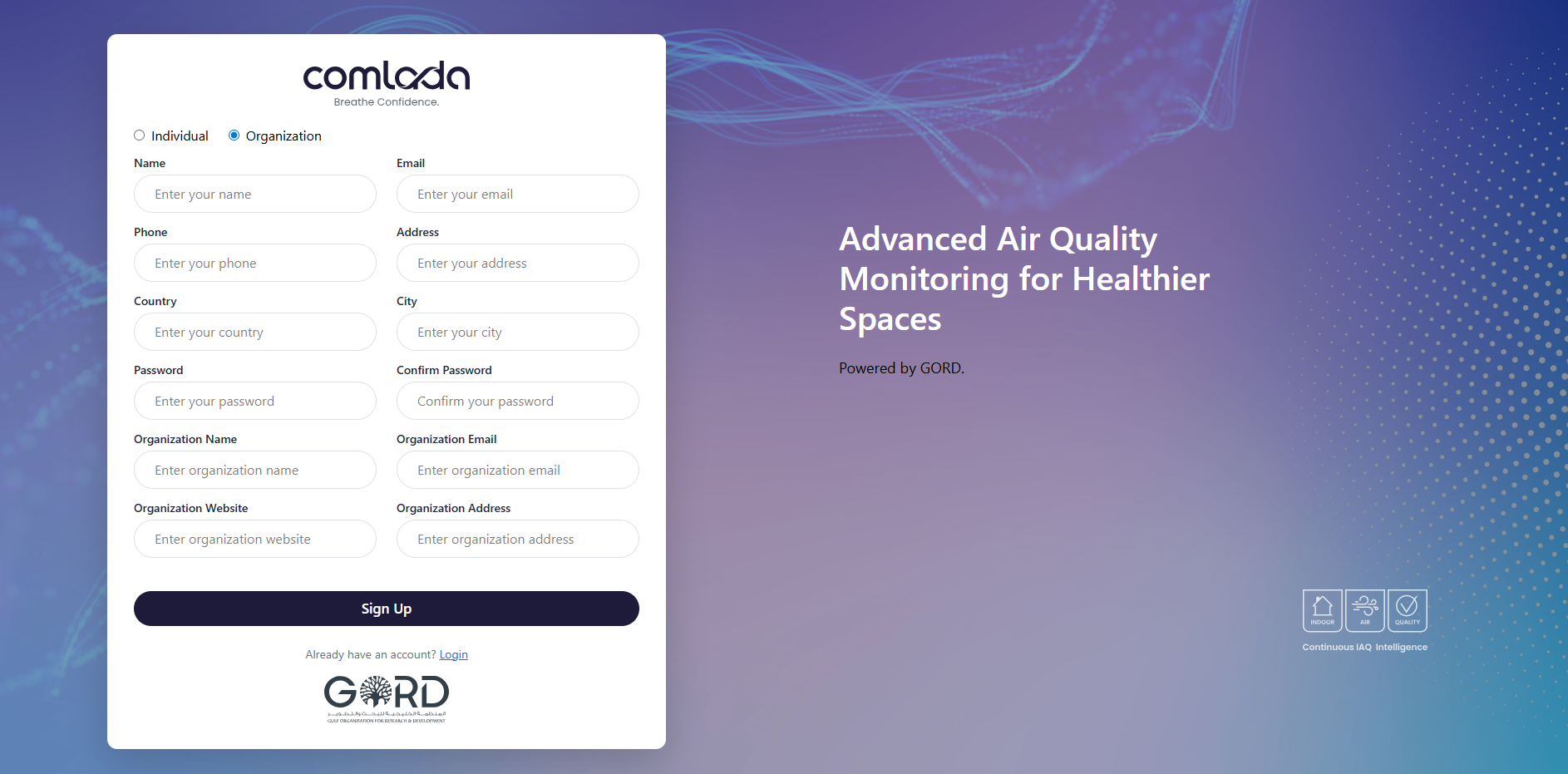
Step 3: Register as Organization
- Press Organization Button
- Put your Organization Details with User Information
Step 4: Email Verification
- Check your Email for Verification Link
- Press link for Email Verification

Login Process
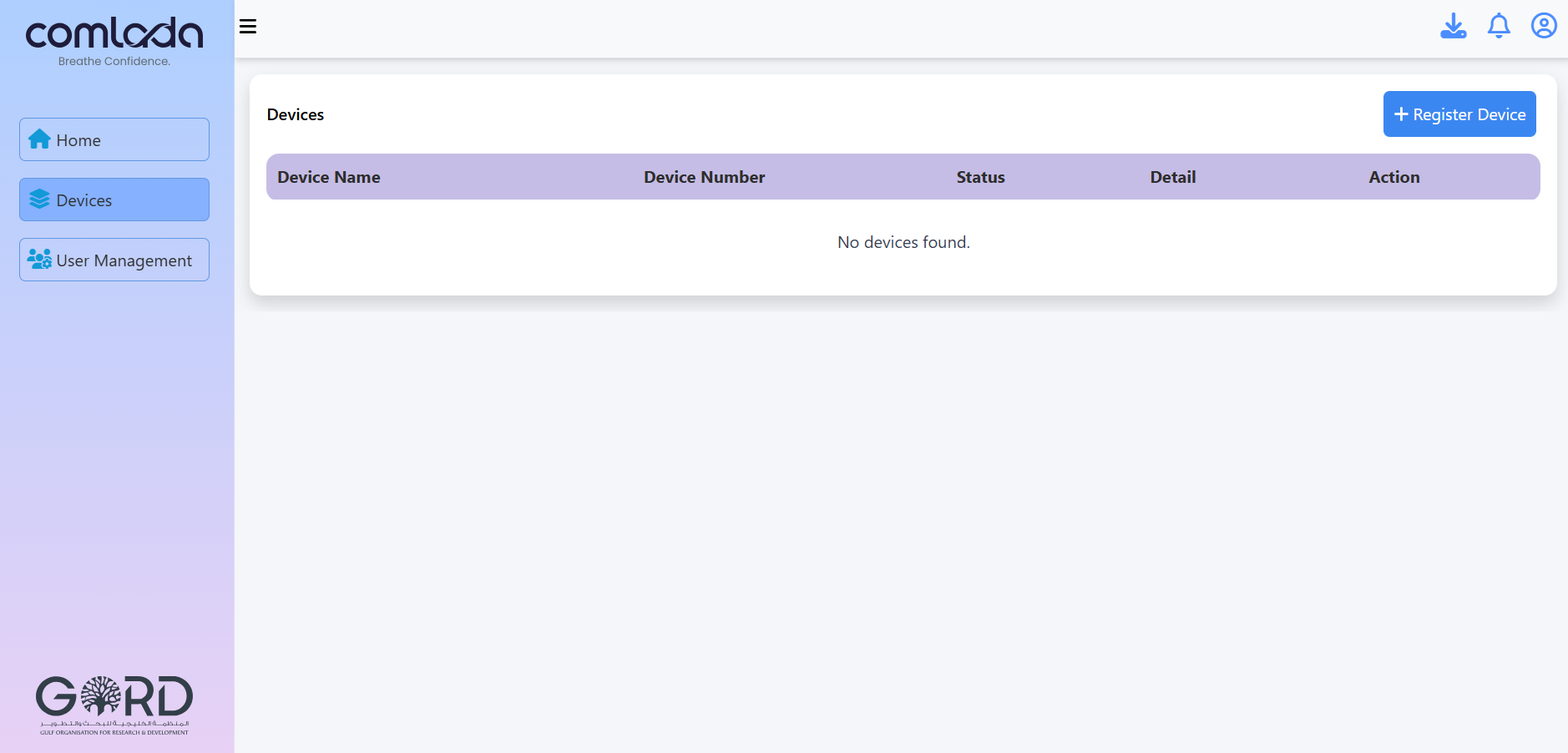
Step 1: Access Login Page
- Go to portal.comlada.com/login
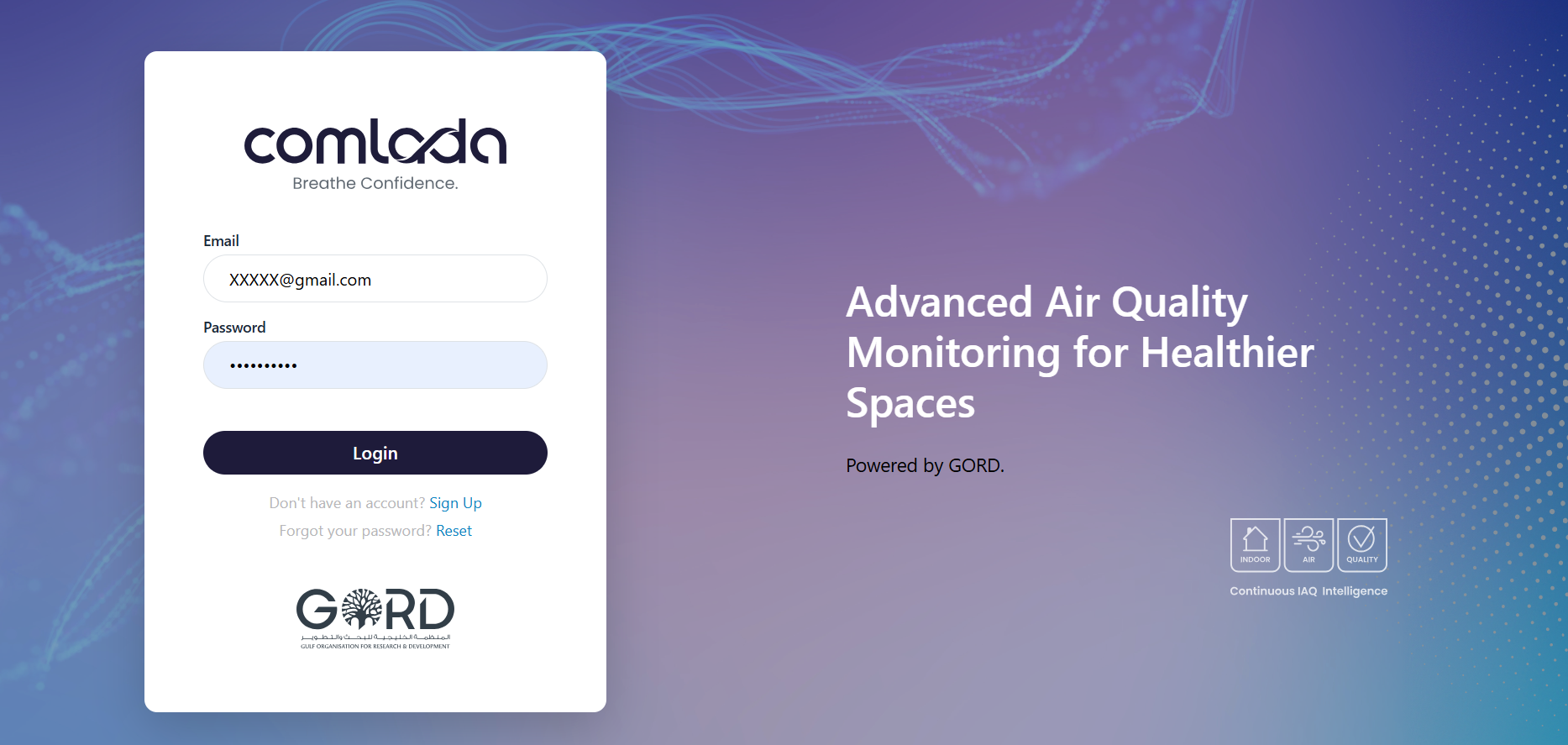
Step 2: Enter Credentials
- Input your Registered Email Address
- Enter your Password
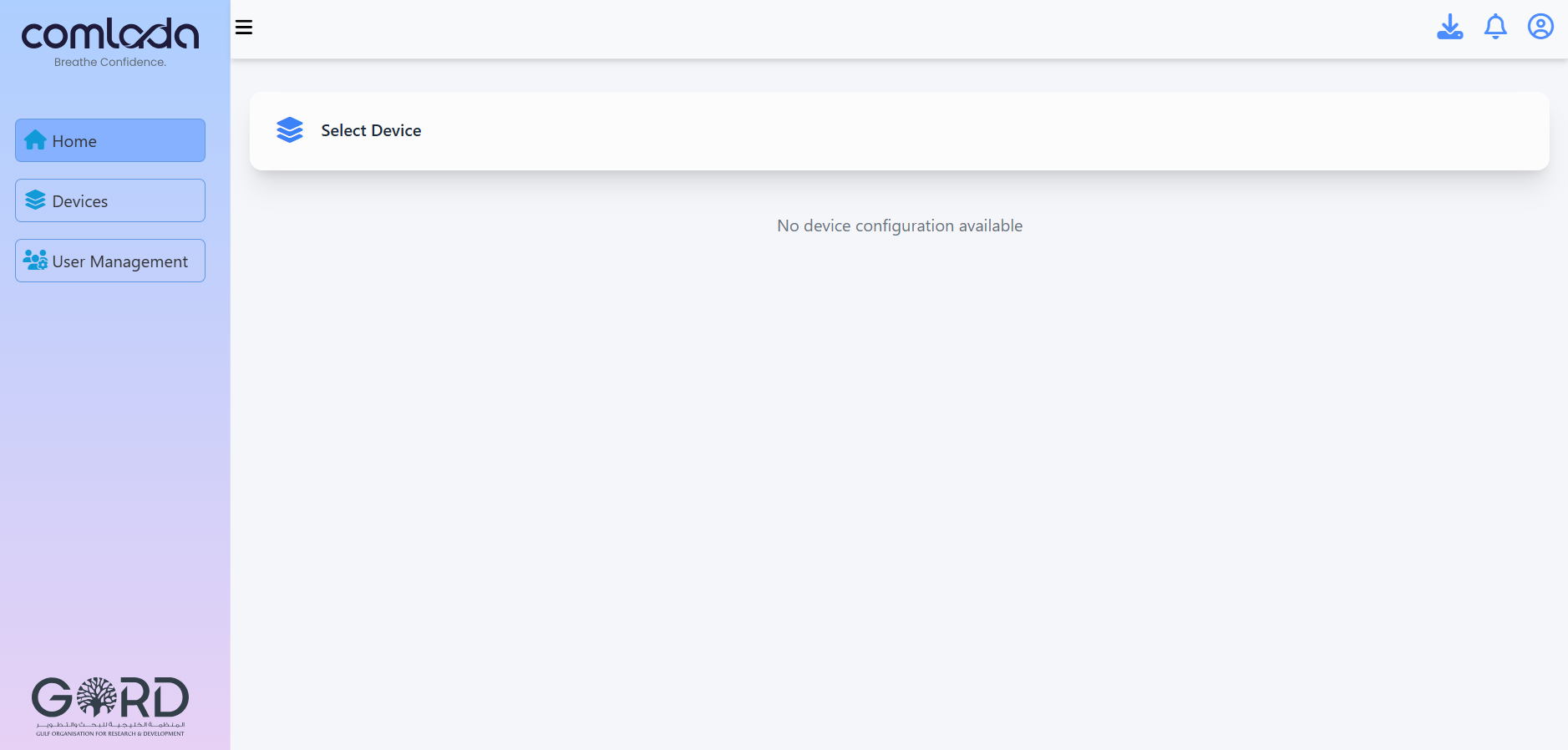
Step 3: Dashboard Access
- You'll be redirected to your main dashboard
- The first page displays multiple options for device and system.
Common Login Issues
| Issue | Solution |
|---|---|
| Forgot Password | Click "Reset Password" link on login |
| Email Not Recognized | Verify spelling and capitalization |
Next Steps After Login
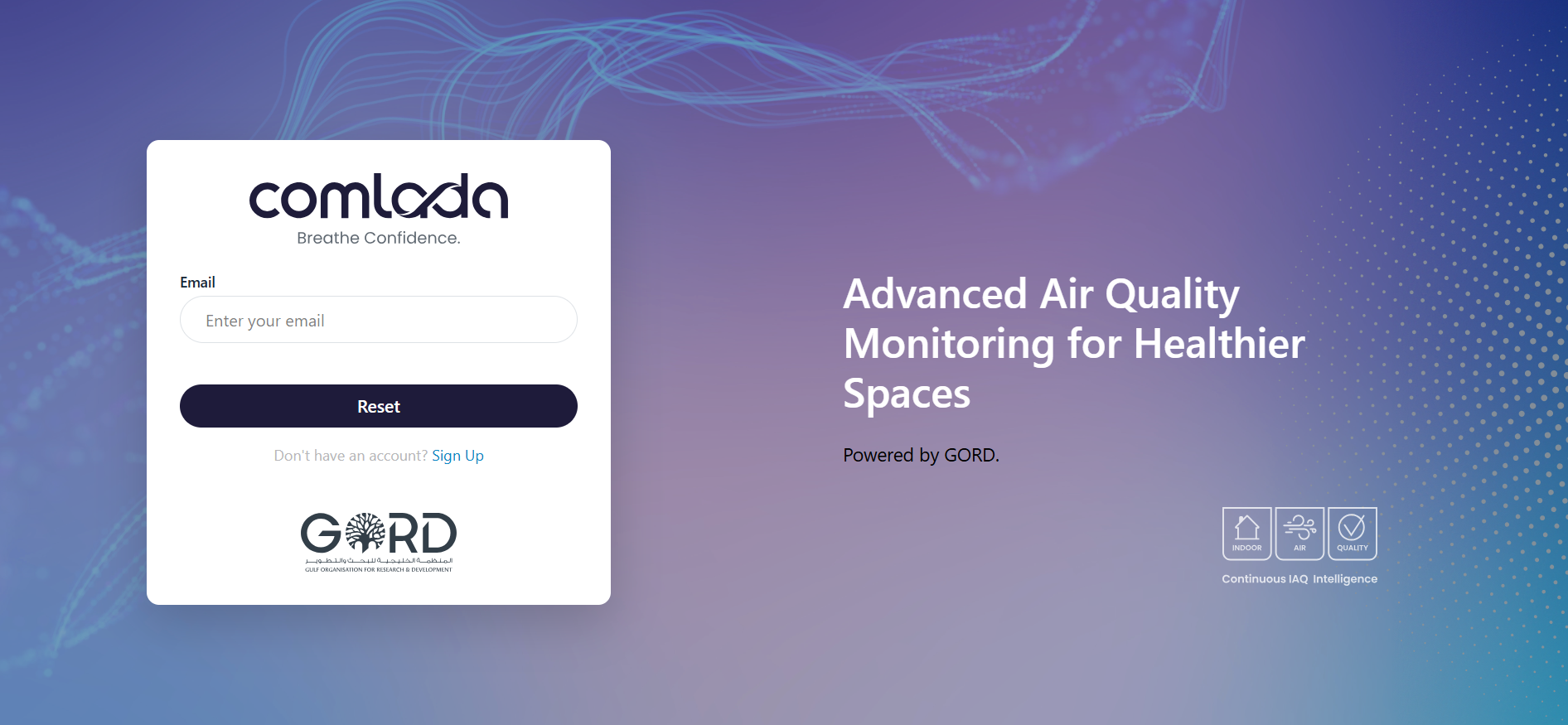
Once you've successfully logged in, we recommend:
- Add Your First Device - Start with registration of device
Account Deletion
Users have the right to permanently delete their Comlada account and associated data at any time through the account settings.
How to Delete Your Account
Steps:
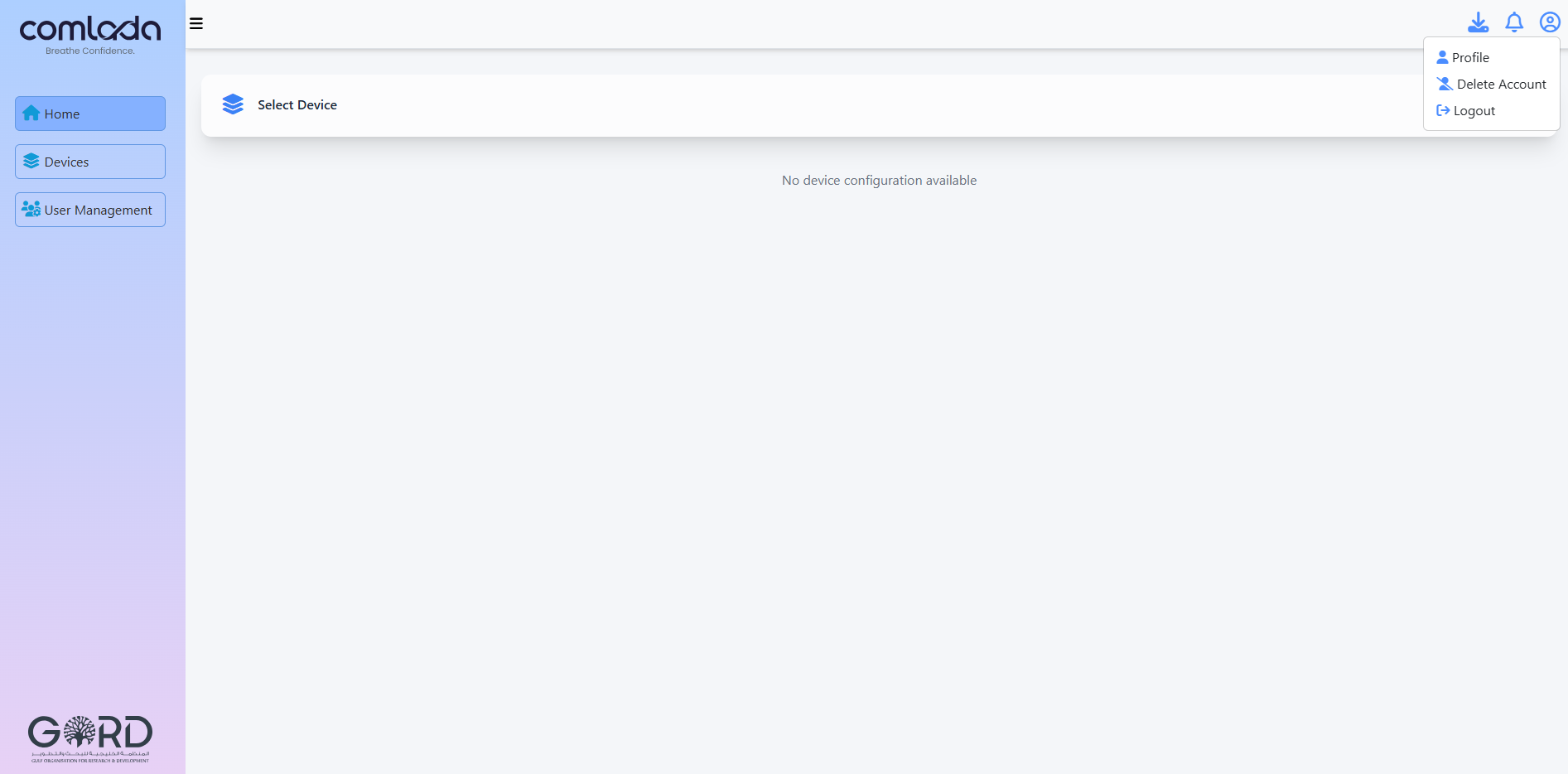
- Login to your Comlada account
- Navigate to Profile
- Click "Delete Account" button
- Enter your account password for verification
- Confirm deletion request
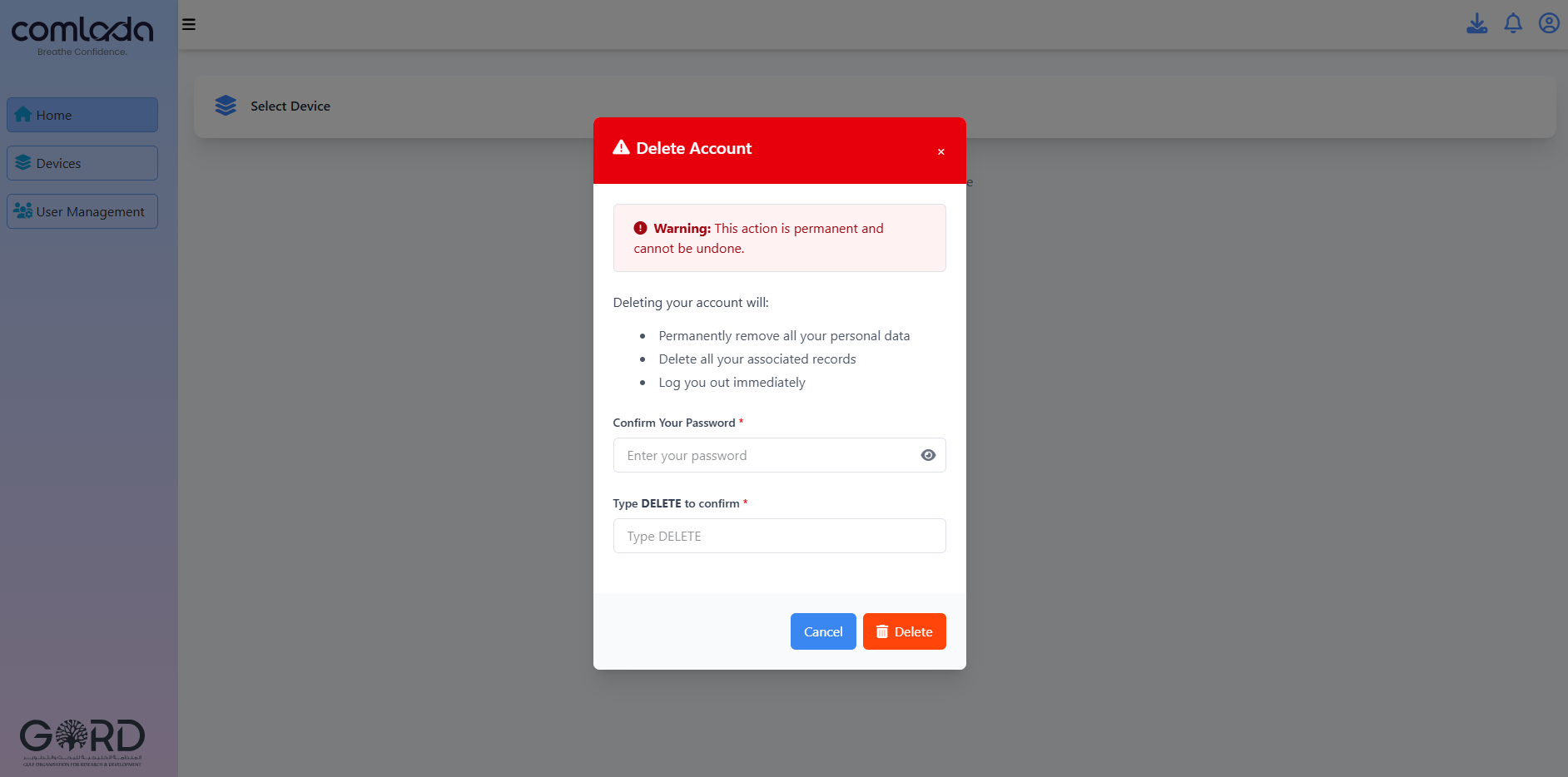
Important Information:
- Account deletion is permanent and cannot be undone
- All personal data will be deleted
- Device data and history will be removed
- You will receive a confirmation email after deletion
What Gets Deleted:
- User account information (name, email, phone number)
- Device registration and configuration data
- Historical air quality readings
- Alert history and notification preferences
- Custom settings and preferences
For assistance with account deletion, contact support at info@gord.qa
Need Help?
- Email Support: info@gord.qa