How To Add Device?
After logging in, the first page displays multiple options for device and system management.
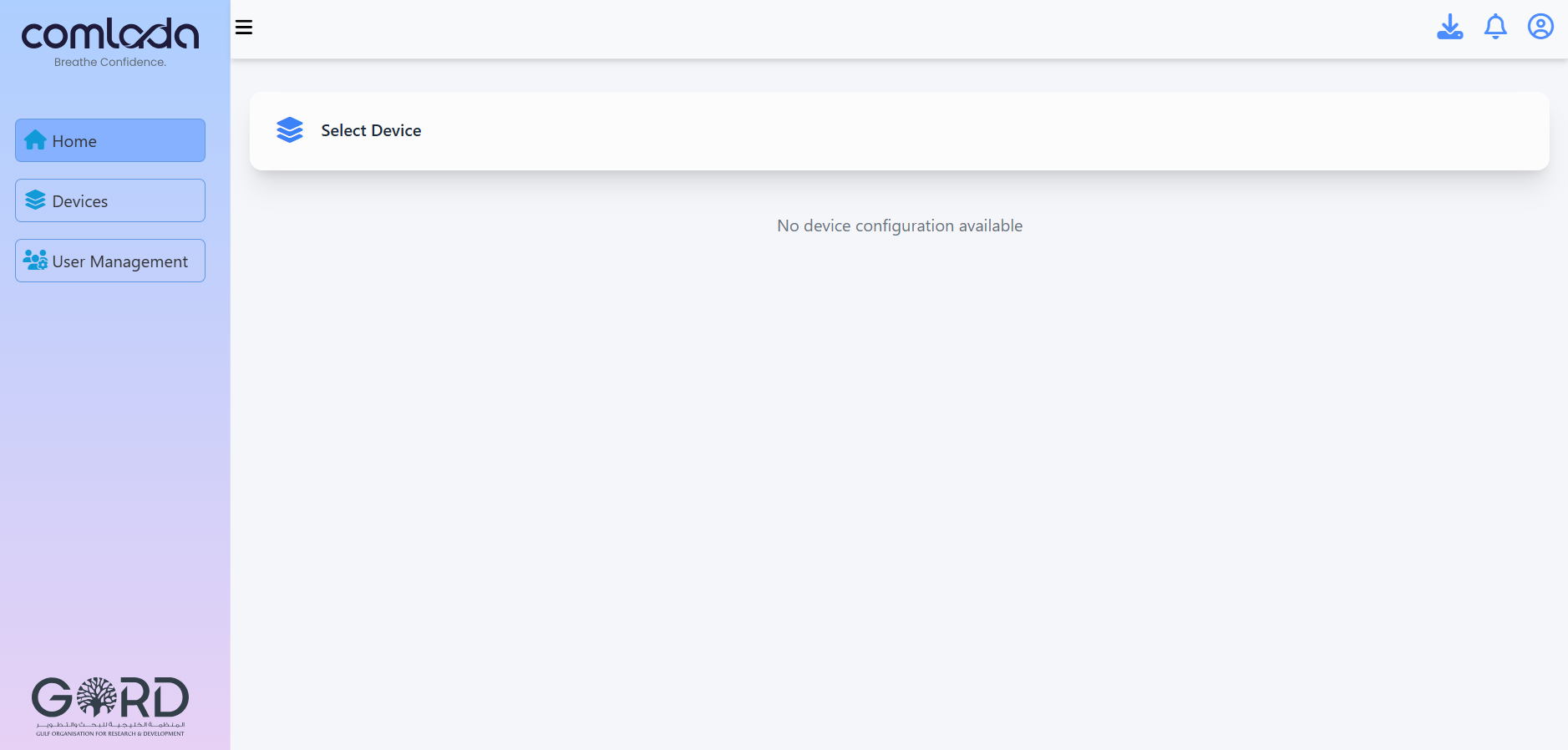
Step 1: Click the "Device" tab to begin device registration.
Enter Device Details
After selecting the device tab, press "Register Device" button, then enter the required device information.
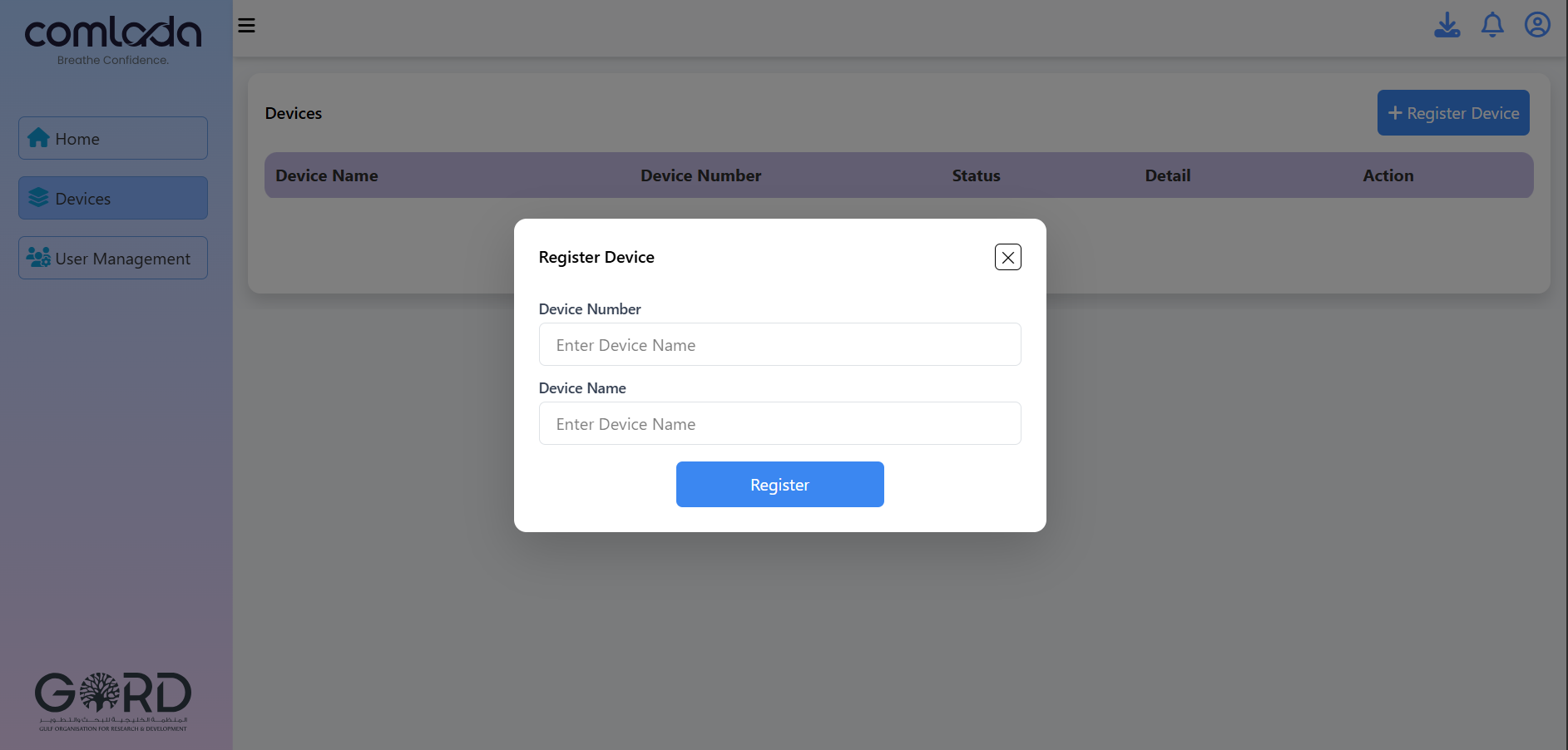
Step 2: Enter the following details:
- Device Name: Choose a name for identification (e.g., "Office Floor 2")
- Serial Number: Enter the serial number from the device label
Step 3: Click "Submit" to complete registration.
Once the required details are submitted, the device is registered and linked to your account.
Next Steps
After successful registration:
- Proceed to Network Provisioning to connect your device
- View your device in the dashboard
- Begin monitoring air quality data
Need help? Contact us at info@gord.qa